At Track-POD, we prioritize the privacy and security of our customers' data. In compliance with the General Data Protection Regulation (GDPR), we ensure that customer and delivery data is retained only for the necessary duration required to fulfill operational, contractual, or legal obligations. This means that we are committed to safeguarding your information and minimizing data retention to what is essential for your services.
Driver Chat Message Retention
We now offer the ability to establish a specific data retention duration for messages exchanged in the Driver Chat. This feature allows you to customize how long chat messages are stored, ensuring that you have control over your communication history.
Vehicle Check Data Retention
Similarly, you can set a retention period for Vehicle Check data. This ensures that any information related to vehicle inspections is kept only as long as necessary for compliance and operational efficiency.
How to Set Data Retention Duration
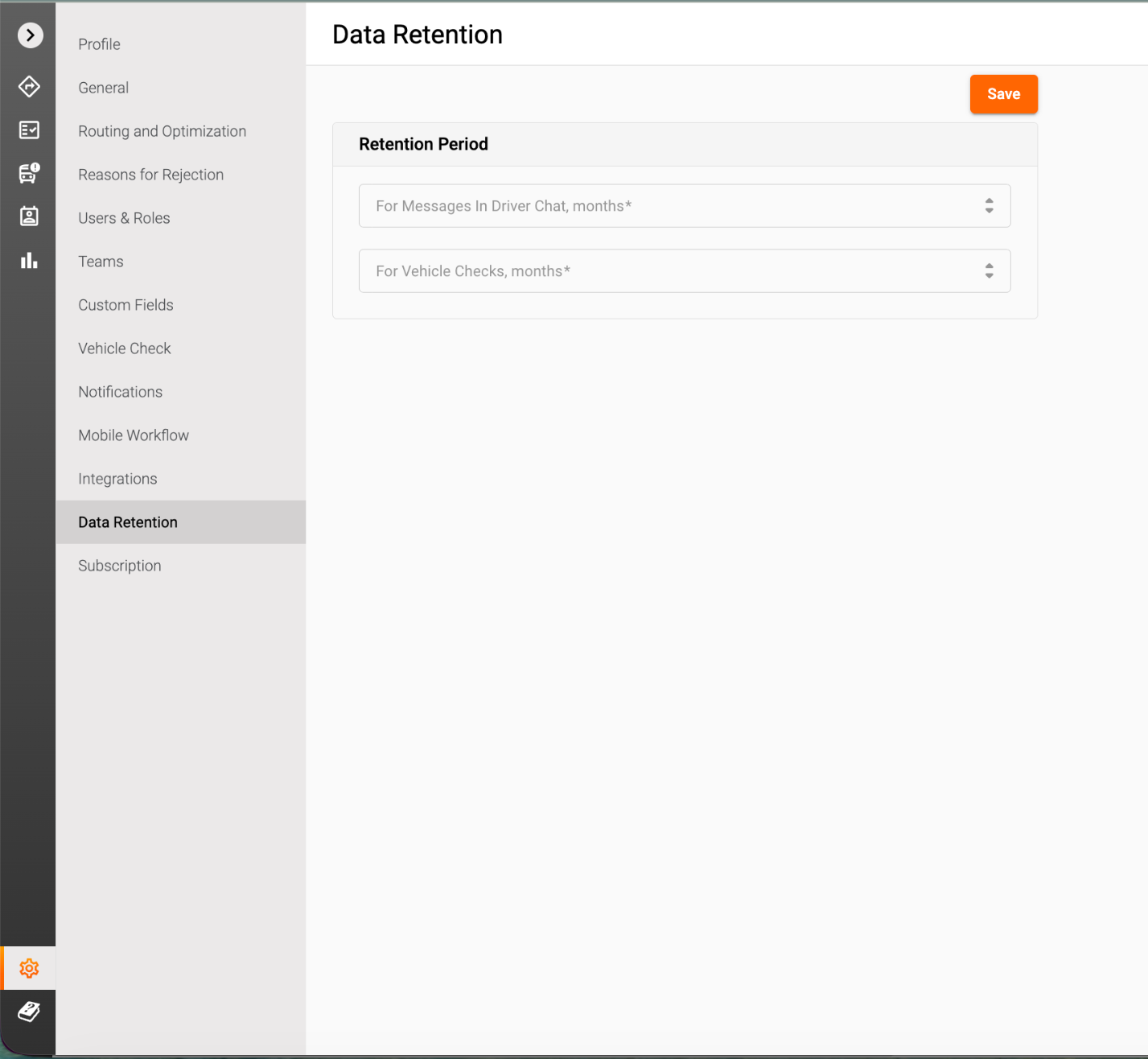
To set the data retention duration for messages in the Driver Chat and Vehicle Check, simply navigate to the settings section of your Track-POD account. From there, select "Data Retentions" and choose your preferred duration in months. This user-friendly feature empowers you to manage your data according to your needs and preferences.
Was this article helpful?
That’s Great!
Thank you for your feedback
Sorry! We couldn't be helpful
Thank you for your feedback
Feedback sent
We appreciate your effort and will try to fix the article